Lighthouse says your llms.txt "does not follow recommendations". Here’s how to fix it.
November 8, 2026
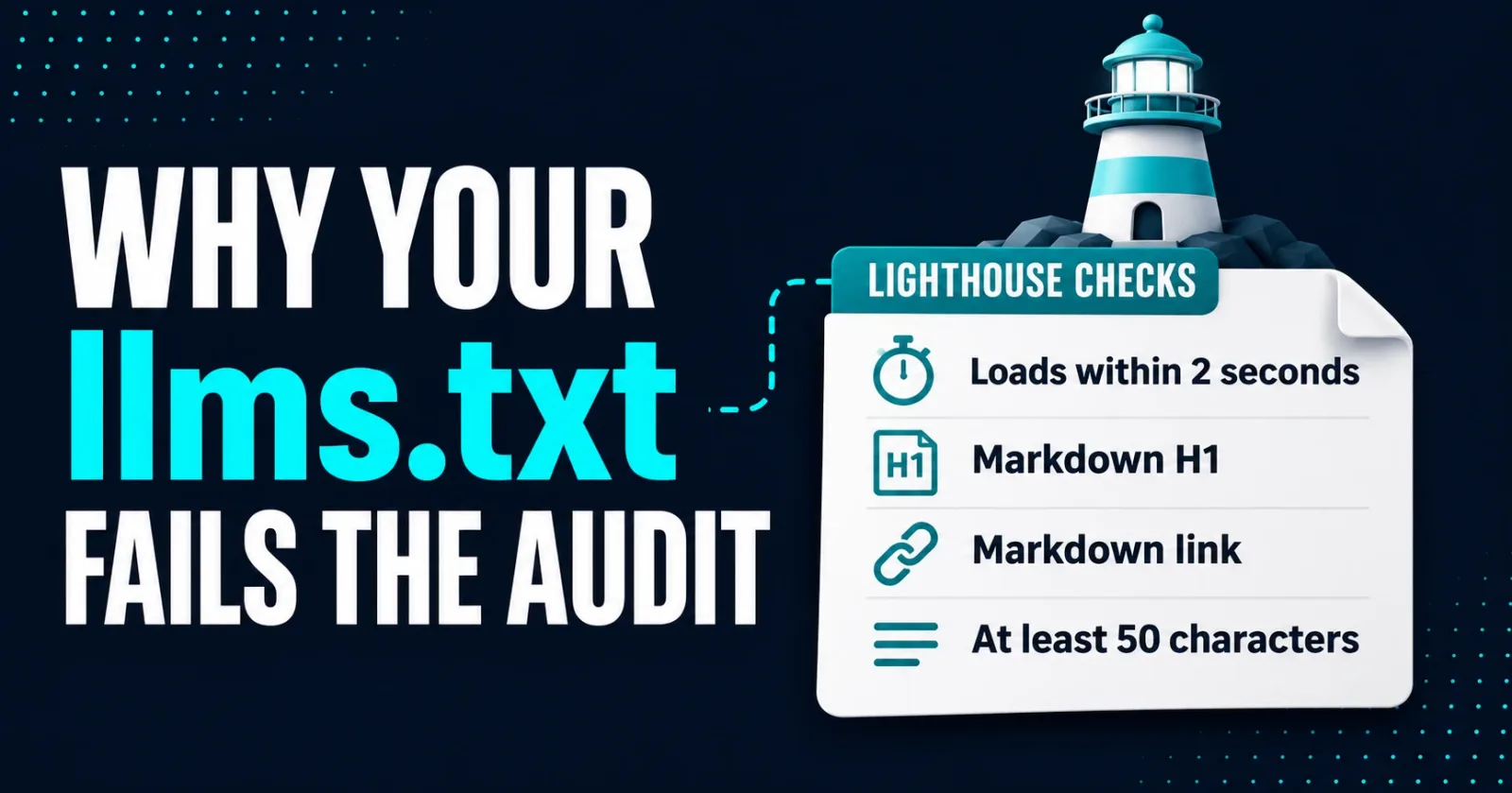
Let me guess, you ran Lighthouse and saw the new Agentic Browsing section, and got an error that llms.txt does not follow recommendations? Or maybe the more cryptic version, Fetch of llms.txt failed: Timed out fetching resource?
It sounds confusing but it’s not. We read the audit’s source code in Lighthouse 13.6, the current release, so this post can tell you exactly what it tests, what each message means, and how to clear it.
If you are not sure what an llms.txt file is in the first place, start here.
What is the Agentic Browsing Category?
As of May 2026, Lighthouse version 13.3 quietly came out and added a category called Agentic Browsing. It sits next to Performance, Accessibility, Best Practices and SEO, and it is scored as a fraction (for example 5/7) instead of out of 100. It’s a handful of checks about how usable a page is for AI agents: an accessibility-tree check, some WebMCP checks, layout shift, and the llms.txt audit.
I wanted to point out that Lighthouse labels this category as “still under development and subject to change.”
Why you got an error
The llms.txt audit does three things in order.
1. It fetches /llms.txt at the root of the site you tested. If you audit https://www.example.com/shop/, it requests https://www.example.com/llms.txt. Not /shop/llms.txt, and not the non-www version. It only looks at llms.txt. It never requests llms-full.txt.
2. It looks at the response.
- Not Applicable - Your llms.txt returns not found. This isn’t a failure, this audit just doesn’t apply to you since you don’t have this file. Google’s audit documentation directly says that providing the file is optional, but you may want to make one.
- Failed with HTTP status - your llms.txt file returns 5xx or a 429 error.
- Fetch of llms.txt failed - your llms.txt came back with no response in time. The time limit is two seconds, and it includes downloading the entire file, not just the first byte.
- Success - your llms.txt file returns successfully and the real audit begins
3. If you have an llms.txt, it runs three content checks.
- That there is an H1. So, one line that starts with
#followed by text. That is a Markdown H1 - one hash, then a space. - There is at least one Markdown link in the form of
[text](url). - The file is at least 50 characters long.
All three must pass. Nothing else is checked. The audit does not validate the rest of the llms.txt format, it does not follow your links to see whether they work, and it does not judge whether the content is actually accurate.
What each error message means and how to fix them
When the audit fails a content check, the specific reason is in a small details table under the audit. Expand it to see the error message.
| Message | What Lighthouse saw | Usual fix |
|---|---|---|
| File is missing a required H1 header | No line starting with # | Make the first line # Your Site Name. Watch for ## Title (that is an H2) or #Title with no space. |
| File does not appear to contain any links | No [text](url) anywhere | Rewrite entries as Markdown links. Bare URLs, <https://...> autolinks, and HTML <a> tags do not count. |
| File is suspiciously short | Fewer than 50 characters | You may have a placeholder file of some sort. Check and fix accordingly. |
| Missing H1 and no links | Probably an HTML page, not a text file | See the next section. |
| Failed with HTTP status 500 / 503 / 429 | A server error or rate limit | Check server logs, firewall and security-plugin rules for /llms.txt. |
| Fetch of llms.txt failed: Timed out fetching resource | Nothing came back within two seconds | See “The two-second limit” below. |
| Fetch of llms.txt failed (no reason) | A response with no readable body | Open the file in a browser and confirm it shows plain text. |
When it fails both the H1 and the links check
If one file fails both checks, the most likely explanation is that Lighthouse did not get a Markdown file at all. It got a web page.
That happens more than you would think. A maintenance-mode or “coming soon” plugin can answer every URL with the same HTML page. A security service can return a challenge page with a 200 status. On WordPress, a plugin that redirects missing pages to the homepage can turn what should be a clean 404 (Not Applicable) into your homepage’s HTML (a failure).
Open yoursite.com/llms.txt in a private window. If you see your theme instead of plain text, that is the problem.
The two-second limit
Two seconds is generous for a static file and tight for anything built on request. The common causes:
- The file is generated on every request. If a plugin or script builds
llms.txtfrom your database each time someone asks for it, a slow host or a cold cache can blow the budget. - The file is huge. The limit covers the full download. An
llms.txtstuffed with full page content can time out where a lean index would not. - The server is slow to answer anything. Shared hosting under load can fail this check while your real visitors, who mostly hit cached pages, never notice.
The fixes follow from that. Serve llms.txt as a real static file, or cache it hard. Keep llms.txt as an index of links with short descriptions, and put full content in llms-full.txt, which this audit never fetches. That split is how the format is meant to work anyway.
If you use Project LLMs.txt on WordPress
The files Project LLMs.txt generates pass this audit as they come. The default template opens with # and your site name, every entry is written as a [title](url) link, and a generated index is far over 50 characters. We ran the audit on our own file while writing this, and it passes.
The plugin settings that matter here:
- File delivery. Under Settings → File Delivery Mode, the default, Saved to disk, writes a real
llms.txtthat your web server sends directly, with no PHP involved. That is the fastest option against the two-second limit. Generated on demand serves the file through WordPress from a cache, and rebuilds it on the next request after the cache expires. That rebuild is the request most likely to be slow, so if you use Generated on demand and see timeouts, switch to Saved to disk. - Custom templates (Pro). If you edit the
llms.txttemplate, keep the# {{site_name}}line at the top. Delete it and you will fail the H1 check. - What goes in which file. Full page content belongs in
llms-full.txt, which the plugin builds separately. The index stays small and fast.
If generation itself isn’t working, the troubleshooting guide covers empty output, file permissions and Nginx setup.
If your site isn’t on WordPress
You may be able to fix this yourself, or pass it to whoever looks after your site.
If your site is on Shopify, Shopify generates the file for you. If you’ve customized llms.txt.liquid or agents.md.liquid in your theme, check those.
For most developers these fixes are a short job. If your site builder or platform creates the file for you, the fix may be a setting, or something to raise with their support team.
What a passing score tells you, and what it doesn’t
A green check here means three things: your file exists at the root, it arrived within two seconds, and it looks like Markdown with a heading and a link. That is a useful check for a broken or misconfigured file, and it is worth fixing if you fail it.
It does not mean AI assistants are reading your file. As we covered in the state of llms.txt adoption, most llms.txt files see almost no AI crawler traffic today. Lighthouse checking for the file does not change that.
It is not a Google Search signal either. Lighthouse is a page-quality tool, and nothing in the audit or its documentation connects it to rankings. The category is labelled as under development and its checks may change.
And it does not mean your file is accurate. A file that was perfect in March and has not been regenerated since will still pass. The audit checks format, not freshness, and keeping the content current is up to you. Here is how.
Is llms.txt more adopted? Well, the Chrome team now treats llms.txt as worth checking, which is a small signal about where the format is heading. If you have a file, make it pass. If you don’t have one, Lighthouse won’t hold that against you, and adding one takes a couple of minutes.
Project LLMs.txt generates llms.txt and llms-full.txt from your WordPress content, formatted to pass this audit. It is free on WordPress.org.